
-

Cartzilla - Digital Marketplace & Grocery Store WordPress Theme
Original price was: ₹1,499.₹699Current price is: ₹699. -

WooCommerce Lottery - WordPress Competitions and Lotteries, Lottery for WooCommerce
Original price was: ₹499.₹99Current price is: ₹99. -

Betheme | Responsive Multipurpose WordPress & WooCommerce Theme v28.3.1
Original price was: ₹499.₹99Current price is: ₹99.
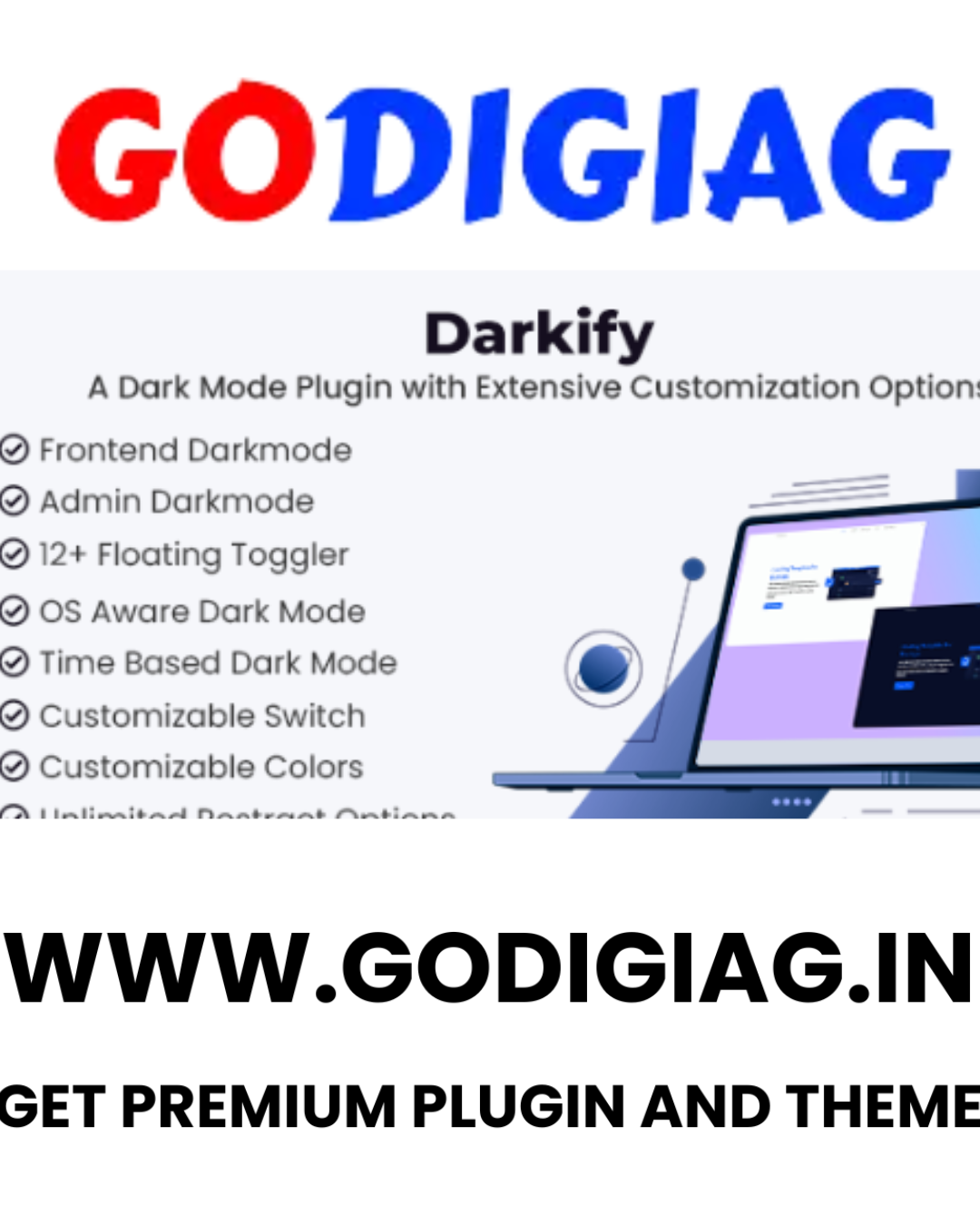
Darkify – WordPress Dark Mode Plugin v1.4.0
Darkify – WordPress Dark Mode Plugin v2.3.0 lets you instantly enable a beautiful dark mode experience on your WordPress website. It supports frontend and admin dashboard, includes a floating switch, multiple styling options, and is fully compatible with all major themes and page builders. Perfect for improving UX, saving battery, and reducing eye strain.
- Instant Download : After Payment You Can Download
- LifeTime Access : No Expiry & Any Time Download
Darkify – WordPress Dark Mode Plugin v1.4.
Available at GoDigiAG
Darkify is one of the most advanced dark mode plugins for WordPress, designed to give your website a stunning dark appearance while enhancing user comfort. Now available on GoDigiAG, this plugin supports both frontend and backend dark mode, giving you total visual control. With high customizability and intelligent display options, Darkify ensures your website looks beautiful in any mode.
With data showing that over 81.9% of smartphone users prefer dark mode, and 64.6% expect websites to enable it automatically, Darkify is not just a feature—it’s a modern user expectation. That’s why GoDigiAG proudly offers this plugin to help you meet evolving user demands and increase time-on-site through better accessibility.
—
⚡ Key Highlights – Darkify Plugin at GoDigiAG
🔹 Frontend Dark Mode
Easily enable dark mode on the entire frontend with one click. Darkify smartly adapts to your website’s structure, ensuring seamless dark styling.
🔹 Admin Dashboard Dark Mode
Enhance your workflow with a sleek dark mode inside your WordPress backend—perfect for developers and editors working late hours.
🔹 Default Dark Mode Option
Set dark mode as the default view on your site, while still giving users the freedom to toggle it off.
🔹 OS-Based Dark Mode Detection
Darkify detects a user’s system preferences and automatically applies dark mode if enabled on their device.
🔹 Scheduled Dark Mode Activation
Automatically enable dark mode based on your visitors’ local time—ideal for evening or night browsing.
🔹 Keyboard Shortcut (Ctrl + Alt + D)
Users can toggle dark/light mode instantly using a simple keyboard shortcut.
—
🛠️ Fully Customizable Features
Floating Switch Styles – Choose from various switch designs that suit your website’s layout.
Draggable Toggle Switch – Visitors can move the switch anywhere on the page for better usability.
Menu Switcher Integration – Add a toggle switch directly into your navigation menu.
Shortcode Integration – Use shortcodes to place the switch in any post or widget.
Prebuilt & Custom Color Options – Choose from ready-made themes or create a custom palette to match your brand.
Image & SVG Optimization – Adjust image brightness, grayscale, and invert SVGs for a smooth visual balance in dark mode.
Element Targeting – Activate or disable dark mode for specific tags, classes, or element IDs for advanced control.
Page/Post Control – Define which pages or posts should or should not display dark mode.
Custom CSS Support – Add your own CSS for a truly personalized look in dark mode.
—
🧩 Page Builder & Theme Compatibility
Darkify works seamlessly with all major page builders like Elementor, WPBakery, Divi, Beaver Builder, Oxygen, Fusion Builder, and Visual Composer. It’s also tested across most popular WordPress themes to ensure smooth performance.
—
💼 Why Buy from GoDigiAG?
✅ 100% GPL-Licensed and Verified
✅ Safe, Secure & Pre-Activated Plugin
✅ Massive Discounts vs. Official Pricing
✅ Instant Access with Membership
✅ 24/7 Premium Support from the GoDigiAG Team
✅ Access to 40,000+ Premium Plugins, Themes & Scripts
—
Enhance your website’s user experience with Darkify – WordPress Dark Mode Plugin v1.4.0, available exclusively on GoDigiAG.
Perfect for blogs, business sites, port
folios, eCommerce, and more—because modern users demand comfort, and GoDigiAG delivers it.
Be the first to review “Darkify – WordPress Dark Mode Plugin v1.4.0”
Related products
-
Dynamic Shortcodes Plugin v1.5.15 (Shows WordPress Data Dynamically)
Original price was: ₹499.₹149Current price is: ₹149. -
Elementor Pro WordPress Plugin(GPL-Activated) download
Original price was: ₹7,999.₹199Current price is: ₹199. -
Pofily Woocommerce Product Filters v1.2.6 (SEO Product Filter)
Original price was: ₹599.₹99Current price is: ₹99. -
Hummingbird Pro Plugin v3.16
Original price was: ₹599.₹99Current price is: ₹99. -
Vendors WooCommerce Extension v2.4.6
Original price was: ₹799.₹299Current price is: ₹299. -
SUMO Subscriptions v17.1.0 (WooCommerce Subscription System)
Original price was: ₹499.₹199Current price is: ₹199.























Reviews
There are no reviews yet.